To edit a look:
-
Open the look you want to edit. To learn how, see View looks.
-
Click the gear icon:

-
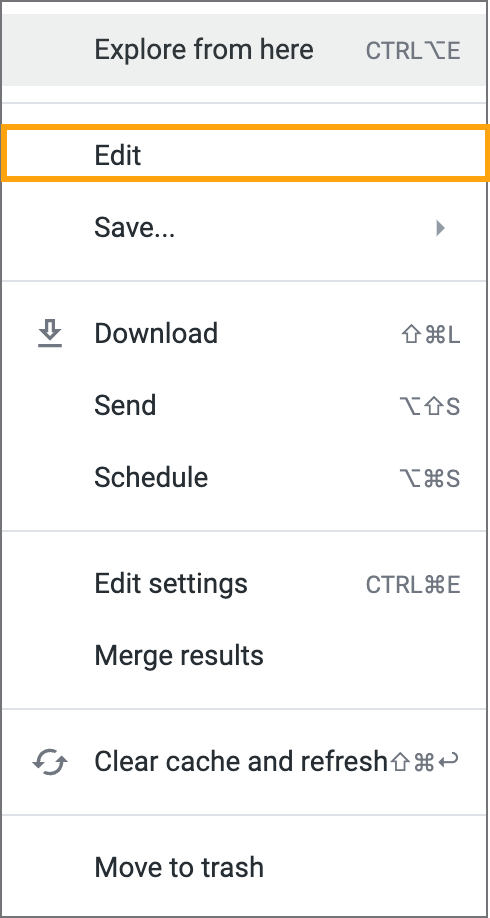
In the menu, select Edit:
-
Do any of the following:
-
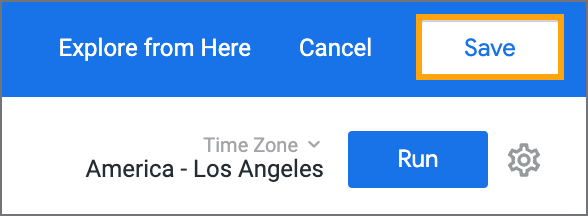
When you're done editing the look, click Save:
To edit a look:
Open the look you want to edit. To learn how, see View looks.
Click the gear icon:
In the menu, select Edit:
Do any of the following:
When you're done editing the look, click Save: