To change the color scheme:
-
Open the look in edit mode. To learn how, see Edit a look.
-
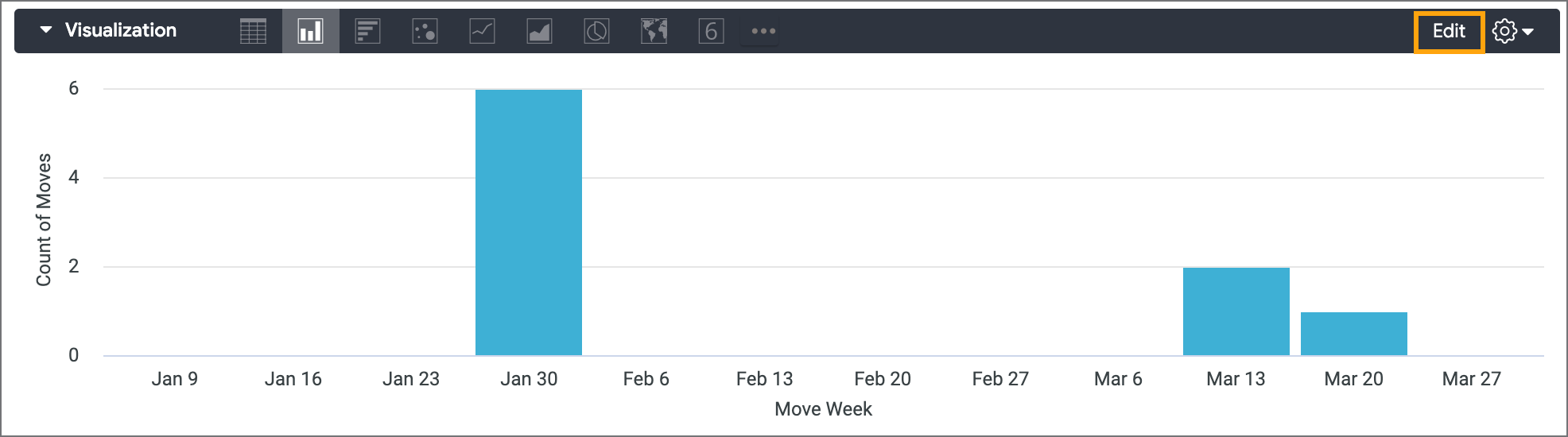
In the Visualization section, click Edit:
-
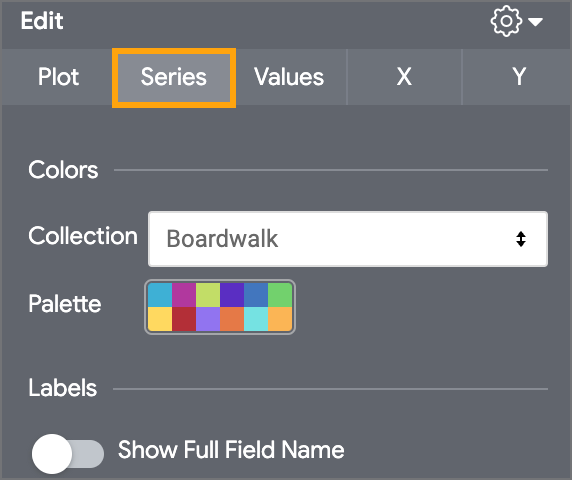
Click the Series tab:
-
Do one of the following:
-
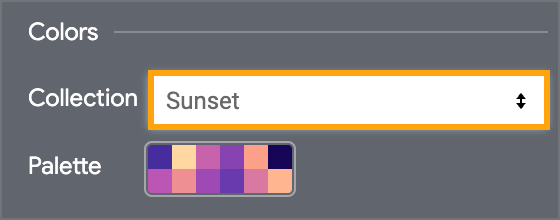
To apply one of the pre-configured palettes, select one from the Collection drop-down list:
-
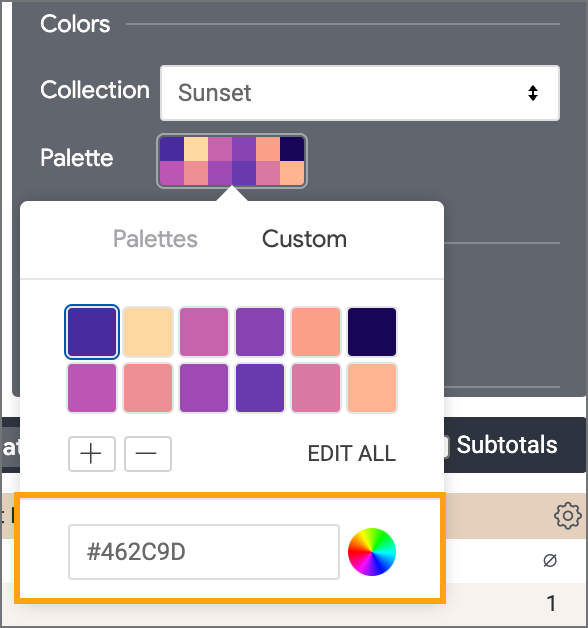
To create your own custom palette, click the palette, and then click Custom:
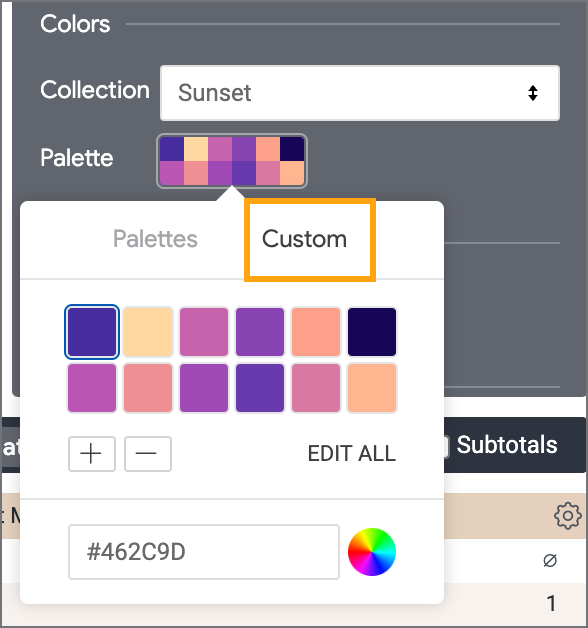
Then, click the color you want to change. You can select a new color by entering its hex code in the field provided, or by selecting one from the color wheel:
-
-
Click Save.